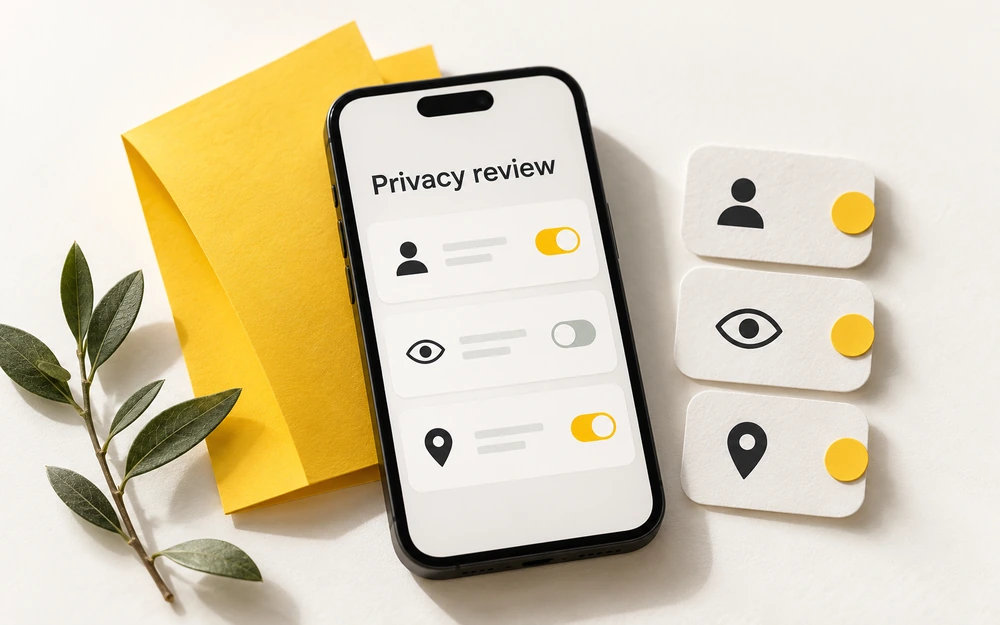
Begin with the audience
Before looking for a hidden mode, decide who you actually want to hear from. An account with a small, familiar contact list is easier to understand than one built around strangers, public discovery or a username reused everywhere.
Review the friends you have added, remove accounts you do not recognise and consider whether your display name, profile image or public information reveals more than you intended. A nickname does not make an account anonymous when the surrounding details identify its owner.
Review who can contact you
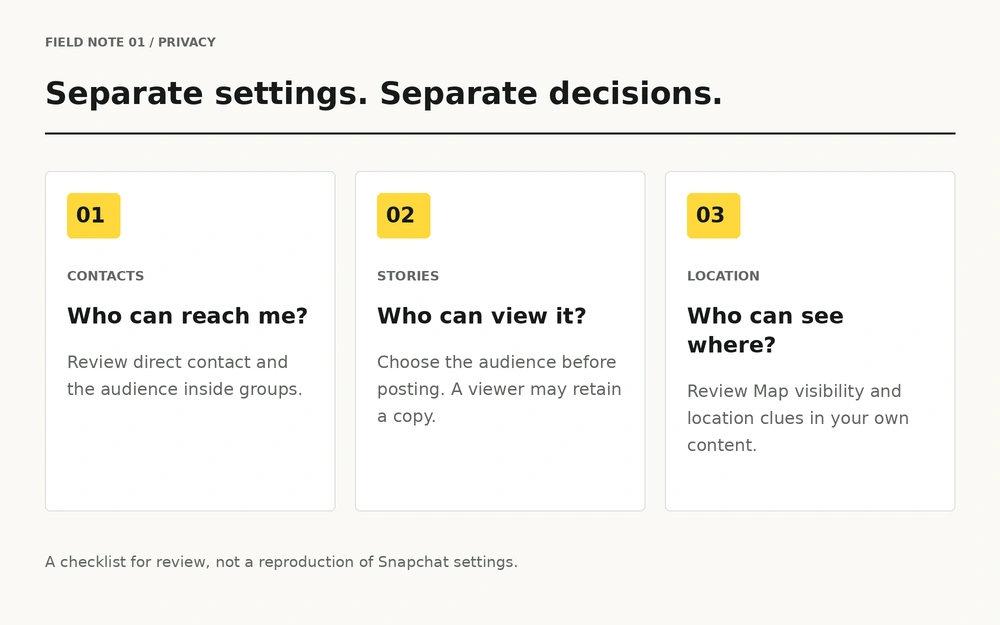
Snapchat's official settings guide places contact controls in the app's settings. It also notes that people in a shared group can still communicate with you there, even when direct contact is limited to friends. Source: Snapchat privacy settings.
Treat a group invitation as an audience decision. Look at who is present before joining a personal conversation. Receiving a message does not create an obligation to answer, add someone back or explain why you are leaving.
| Area | Question to ask | Remember |
|---|---|---|
| Contacts | Who can reach me directly? | A shared group is a separate audience. |
| Stories | Who is allowed to view this post? | Viewers can still capture content. |
| Location | Who can see me on the Map? | Location can also appear in your own content. |
| Device | What appears while my phone is locked? | Connected displays deserve a review too. |
Choose the audience for each Story
Check where you are posting before you publish. A message to one person, a friends-only Story and a public post reach different audiences. Make the choice before sharing instead of relying on a later settings change.
Private Stories let their creator select viewers, but selected viewers can still capture what they see. A padlock describes audience access; it does not promise that a recipient cannot keep a copy. Source: Private Stories.
Give location its own review
Ghost Mode hides your location from other people on Snap Map, while Snap may still receive location data. It does not conceal a location that you reveal in a message or image. Source: Ghost Mode.
Think about contextual clues too: a workplace sign, a regular route or a visible address. Location privacy is partly a setting and partly a habit of noticing what is in the frame.
Protect the screen around the app
Review lock-screen previews in your phone's notification settings. Decide whether messages should reveal their text when the device is locked, and check what appears on connected watches or shared displays.
- Use a device lock that other people cannot casually open.
- Review notification previews on the phone and connected devices.
- Avoid handing over an unlocked phone during a personal conversation.
- Revisit settings after changing devices or restoring a backup.
These are separate device choices; this website cannot read or change them for you.
A review you can repeat
Make a small routine: review contacts, review Story audience, review location and check notification previews. Repeat it when a relationship changes, when you join a group or when you start using an unfamiliar feature.
Settings reduce unwanted exposure. They cannot supply another person's consent, prevent every copy or guarantee how a recipient behaves. For that distinction, read the screenshot guide.
A smaller audience is a choice you make. Confidentiality is never a promise a toggle can make for another person.
Questions, answered.
Where do I find Snapchat privacy settings?
Open your profile and Settings, then review the privacy controls available in your app version. The official Snapchat guide linked below explains the current menu labels.
Does Ghost Mode make my whole account invisible?
No. It concerns visibility on Snap Map, not every part of your account or every location detail you choose to share.
Can someone screenshot a Private Story?
Yes. Restricting a Story's audience does not stop a selected viewer from capturing it.
Will friends-only contact settings prevent every group message?
No. Snapchat notes that people in a shared group can still communicate with you in that group.
Can this checklist change my settings?
No. It is a review aid. Make changes inside Snapchat and your device settings.
When should I review my privacy choices?
Review them after a device change, a new group, a relationship change or a change in how you use your account.
Sources & further reading
Official guidance reviewed on 20 October 2026. Menu names and feature behaviour can change; check the official page and your current app version. This article is independent educational information.